Issue
If you have forgotten to enter beneficiary details including entity code and calculation code you should follow the process outlines in this article. Alternately you can enter the beneficiary's entity code and assessment calculation code manually within the Trust Tax Return.
Should you want to resolve the following error message within the trust tax return, refer to the Resolution below

Resolution
Navigate to Fund Level > Lodgment Console
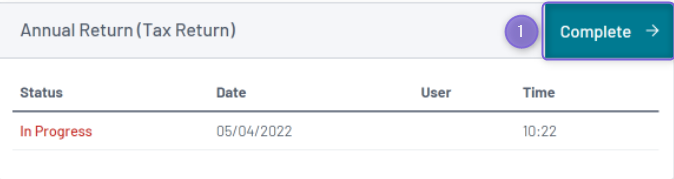
- Select "Complete" next to the Annual Return (Tax Return)
- Select the 'Statement of distribution' heading in the sidebar:
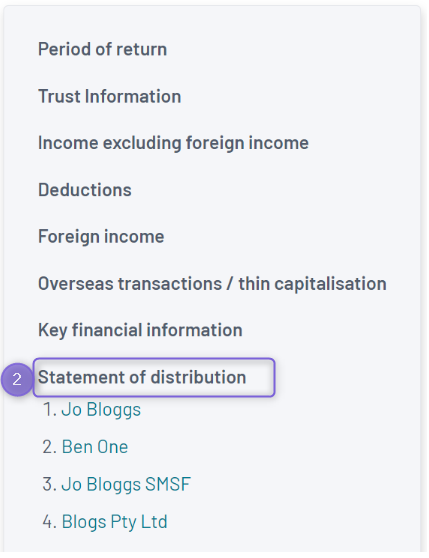
- Select the relevant beneficiary
- Choose the relevant Entity code
- Choose the relevant Assessment Calculation Code from the dropdown menu under Label V:

- Select Save
For more information on Assessment Calculation Codes, you can visit the ATO website's Trust Form Instructions.